
Can Payroll Automation Really Handle Overtime, Multiple Job Codes, and Different Pay Rates?
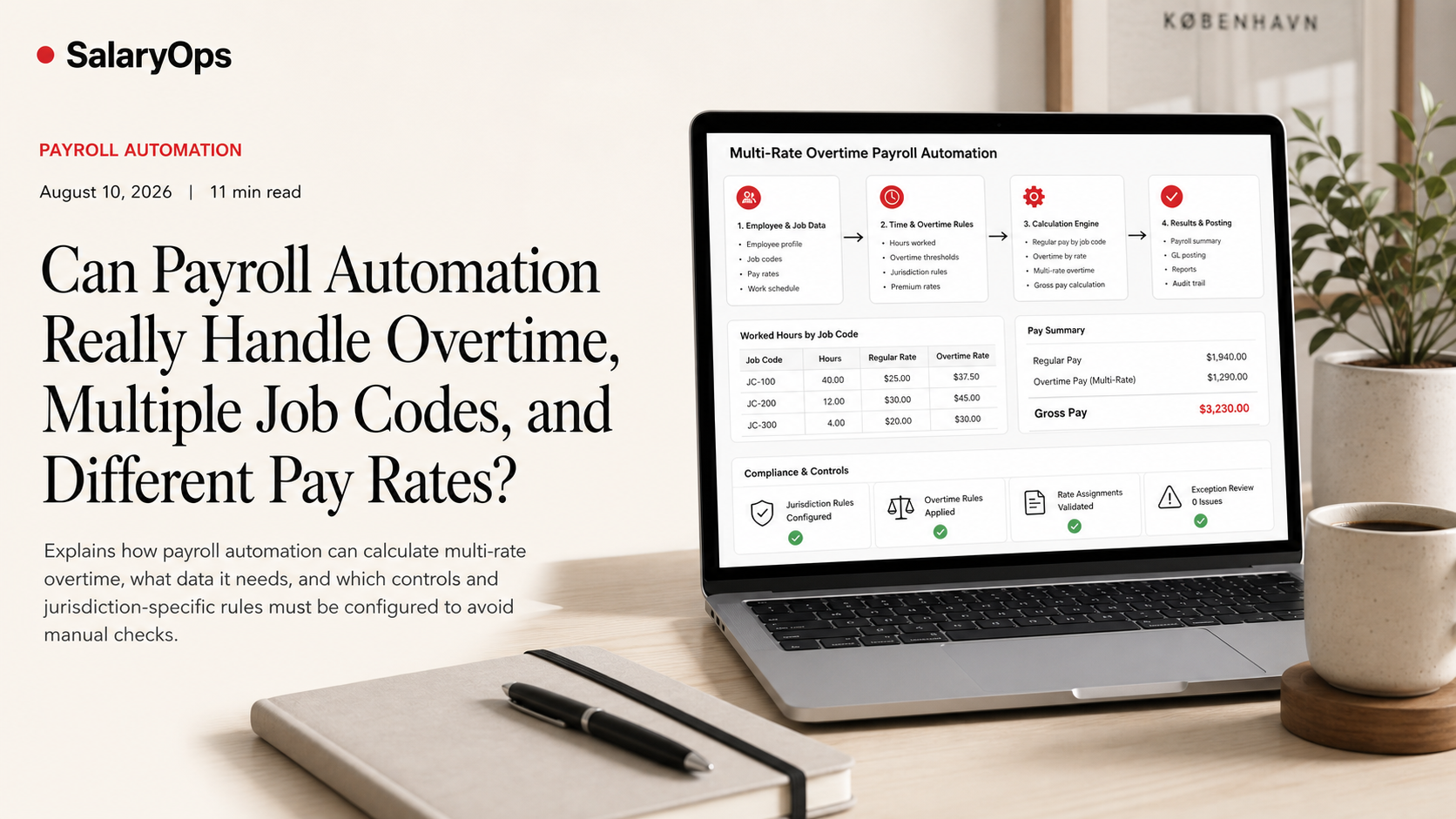
Payroll automation can handle complex scenarios like multi-rate overtime, but only if time data is captured correctly, payroll rules are configured precisely, and systems support weighted-average calculations.
Payroll demos are always tidy.
One employee. One job. One hourly rate. A clean 40-hour week. Overtime is a neat little line that appears on the pay slip like magic.
Then real life shows up.
The same employee works two roles in the same week. Different job codes. Different rates. Some hours are on-call, some are shift differentials, some are paid training. And now you’re in the situation I see discussed over and over in payroll forums: “We automated the easy part, but we still do a manual overtime check because blended overtime is a pain.”
So can payroll automation handle it?
Yes-if (and this is a big if) the time and payroll data is captured at the right level, and the payroll rules are configured for the jurisdiction you actually operate in.
Below is what “handling complexity” really means in practice, what the underlying rules require, and what you should test before you trust the output.
Why multi-rate overtime is not an edge case
If you have any of these, you have multi-rate overtime risk:
- Employees who rotate between departments with different rates
- Different pay scales for different job codes (warehouse vs. driving, support vs. sales ops, etc.)
- Premium rates for certain tasks or locations
- Temporary “acting” pay when covering a higher role
- Projects billed to different cost centers that demand separate coding
This is normal operational payroll. Not a corner case.
The mistake is treating it as a rare exception that can be “handled manually.” Manual handling is fine once. It’s a process failure when it repeats every payroll run.
The rule behind the worry: the regular rate and weighted-average overtime
In the US context, the key concept is the “regular rate” used to calculate overtime. When an employee works at two or more different rates in the same workweek, overtime is commonly calculated using a weighted average of the rates earned that week.
This is not a vendor preference. It’s rooted in the Fair Labor Standards Act (FLSA) framework, including 29 CFR § 778.115 on employees working at two or more rates.
In plain language: if someone worked 10 hours at $20 and 35 hours at $30 in the same workweek, you don’t get to pick your favorite rate for overtime. You calculate a blended regular rate based on total straight-time earnings divided by total hours, then apply the overtime premium.
Important nuance: different countries (and even different US states) can layer additional rules on top of federal logic. For example, daily overtime and double time rules in some jurisdictions create extra complexity that your system must explicitly support.
What “good automation” looks like for complex overtime
A payroll system “supports overtime” is meaningless without details. In practice, the system needs to do four things consistently:
1) Capture hours by job code (not just totals)
Automation can only calculate what it can see.
If time comes in as “45 hours total,” the system can’t know that 12 of those hours were at Rate A and 33 at Rate B. Someone will end up doing manual allocations, and that’s where errors multiply.
What you actually need is time data that includes, at minimum:
- Work date (and workweek boundary)
- Hours
- Job code / earnings code
- Pay rate (or a mapping key that resolves to a pay rate)
- Work location or legal entity, if relevant to rules
If the time system can record job codes but payroll can’t ingest them, you still don’t have automation. You have a fancy export.
2) Calculate weighted-average (blended) overtime correctly
Most modern payroll platforms can do this, but you should confirm it’s not an add-on module, a manual workaround, or something the vendor calls “supported” as long as you upload a prepared file.
The calculation logic, simplified:
- Total straight-time earnings for the week = sum of (hours at each rate × each rate)
- Total hours for the week = sum of all hours (excluding items your jurisdiction excludes from the regular rate)
- Regular rate (blended rate) = total straight-time earnings ÷ total hours
- Overtime premium due = 0.5 × regular rate × overtime hours
Why “0.5” and not “1.5”? Because straight time for those overtime hours is typically already included in total straight-time earnings. The overtime line should be the premium portion. Some systems display it differently, but the math must reconcile.
3) Allocate the overtime premium back to the right codes (for reporting and costing)
Payroll isn’t just paying the employee. It’s feeding finance, project costing, and audits.
A strong system can:
- Calculate one blended regular rate for compliance
- Allocate the overtime premium across the jobs/rates worked (often proportionally)
- Present pay slip lines that match your costing model
If your costing model needs overtime premium attributed to the job where the overtime occurred, you must test whether the system can do that-or whether it dumps all OT into one generic bucket.
4) Apply jurisdiction-specific overtime rules (and do it predictably)
Federal rules are not the whole story.
Even within the US, state overlays can matter (daily overtime, double time, different definitions of the workday/workweek, etc.). And outside the US, overtime and premium pay rules can differ even more.
So the practical question is:
Can the system calculate overtime based on the rules you are legally required to follow, using the workweek and definitions you actually use in operations?
The US Department of Labor’s ongoing guidance and rulemaking around overtime is also a reminder of why “we’ll just keep doing it manually” is not a stable long-term compliance plan.
A concrete example (the kind you should test in a payroll parallel run)
Let’s use a simple multi-rate week. One employee, two job codes, one workweek.
- 30 hours in Job Code A at $20/hour
- 18 hours in Job Code B at $30/hour
- Total hours: 48
- Overtime hours (over 40): 8
Step 1: Straight-time earnings
- Job A: 30 × $20 = $600
- Job B: 18 × $30 = $540
- Total straight-time earnings = $1,140
Step 2: Blended regular rate
- $1,140 ÷ 48 hours = $23.75
Step 3: Overtime premium
- 0.5 × $23.75 × 8 hours = $95.00
So the week’s gross pay (under this simplified model) is:
- Straight-time earnings: $1,140
- Overtime premium: $95
- Total gross: $1,235
Two things to notice:
1) The overtime premium is based on the blended rate ($23.75), not $20 or $30.
2) The payroll system must not “double count” straight time on the OT hours. You want clean reconciliation between time, earnings, and the OT premium.
If your system can’t reproduce this example correctly, it will not handle real life reliably.
Why payroll teams still double-check (and what to fix)
When payroll professionals say they still manually verify blended overtime for multi-rate employees, it’s rarely because payroll software is incapable.
It’s usually one of these operational problems:
The time data is not specific enough
Hours arrive without a job code, without the right earnings code, or without the right workweek boundaries. Payroll then has to guess, split, or re-enter.
The mapping between time codes and pay codes is fragile
“Job code 4100” means one thing in scheduling, another in payroll, and a third in finance. Automation can move mismatched data very quickly.
This is where control matters more than automation.
The system is configured for the simple case
Many systems can do blended overtime, but only if the feature is enabled and the organization has defined:
- Which earnings are included in the regular rate
- How differentials and premiums are treated
- How overtime is allocated back to cost centers
- Which rules apply per location/legal entity
If configuration is incomplete, the output will look confident and still be wrong.
The pay slip and reports don’t make the logic auditable
If the overtime premium is calculated correctly but presented in a way payroll cannot explain (or reconcile) in 60 seconds, you will get manual shadow calculations forever.
You’re not looking for “automation.” You’re looking for automation that can be understood and controlled.
What to ask a vendor (and what to test yourself)
Demos won’t show you the hard parts unless you bring them.
Use questions that force the system to prove it can handle reality:
1) Multi-rate week test
- “Can we pay one employee with two rates in the same workweek and have overtime calculated using a weighted average regular rate?”
2) Workweek boundary test
- “Can overtime be calculated based on our defined workweek (not just calendar week)?”
3) Job-code ingestion test
- “Can the time file/import/API include job code, earnings code, location, and rate-and will payroll keep them as separate earning lines?”
4) Allocation logic test
- “Where does the overtime premium land for costing: on each job code proportionally, on the job that triggered overtime, or on a dedicated overtime code?”
5) Auditability test
- “Can we produce a report that shows the blended regular rate calculation inputs (hours by rate, earnings by rate, OT hours, premium calculation)?”
6) Rule complexity test
- “Do you support daily overtime/double time where required, and can rules be applied per location or legal entity?”
If the vendor can’t run these tests live (or in a sandbox) and explain the outputs cleanly, you’re not buying automation. You’re buying future manual checks.
The real takeaway: payroll automation can handle complexity, but only if you build control into the inputs
Payroll automation can absolutely handle overtime, multiple job codes, and different pay rates-including weighted-average overtime where required.
But the success factor is rarely the calculation engine. It’s whether your process captures time at the correct level, maps codes consistently across systems, and produces outputs that payroll can reconcile and explain.
In other words: the goal is not “no manual work.” The goal is a payroll process that holds up under real-life complexity-without relying on someone’s memory as the control.
Structure your payroll process in 8 days.
A free 8-day email series for payroll specialists, managers and HR/finance teams. Practical examples on structure, controls and automation — no technical experience required.
- · one short email per day for 8 days
- · payroll workflow examples
- · control principles
- · n8n as part of the setup
- · free — unsubscribe anytime