
Practical EU Hosting for n8n Payroll Workflows: Hetzner Cloud vs Dedicated Servers
A practical starting point for choosing EU hosting for n8n payroll workflows - from low-cost Hetzner shared cloud to dedicated-vCPU cloud and dedicated physical servers, with cost ranges, security setup and a SalaryOps recommendation by stage.
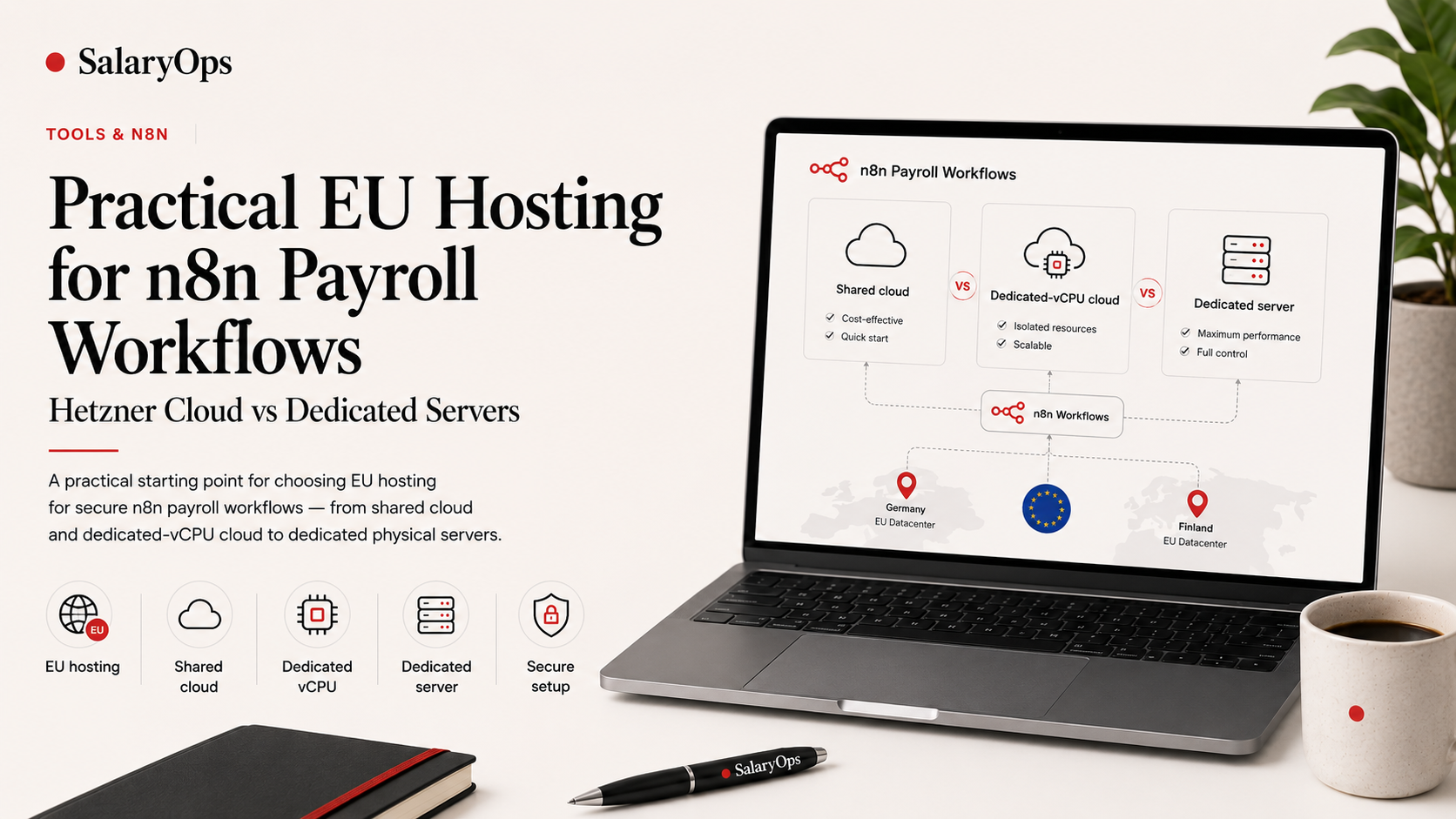
If you want to use n8n for payroll operations, one of the first practical questions is simple:
Where should n8n run?
For European payroll, HR operations and finance teams, EU-based hosting can be an attractive option. Payroll-related workflows may touch sensitive operational data, and many teams prefer to keep infrastructure within Europe when possible.
One practical option is Hetzner, a German hosting provider offering cloud servers and dedicated servers, with European data center locations including Germany and Finland. Hetzner's cloud offering includes low-cost shared-vCPU plans and dedicated-vCPU cloud plans, while its dedicated servers provide full physical machines. Hetzner also describes its cloud platform as GDPR-compliant and lists features such as firewalls, private networks, API access and Linux images.
This article gives a practical starting point for choosing between:
- a low-cost shared cloud server
- a stronger dedicated-vCPU cloud server
- a full dedicated physical server
For most SalaryOps-style workflows, you do not need to start with a large enterprise setup.
But you do need to choose the right level of hosting, configuration and governance for the sensitivity of the workflow.
The short answer
For many early n8n payroll workflow projects, a Hetzner shared cloud server in the EU can be a perfectly reasonable starting point.
Shared cloud does not mean that other customers can see your data.
It normally means that your virtual server shares the underlying physical hardware and CPU resource pool with other customers, while your server itself runs as an isolated virtual machine.
So the difference between shared cloud, dedicated-vCPU cloud and dedicated physical servers is usually more about:
- performance
- resource predictability
- noisy-neighbor risk
- internal IT expectations
- compliance comfort
- criticality of the workflow
It is not simply:
shared cloud = insecure, dedicated server = secure
A small shared cloud server can be secure enough for many n8n payroll workflows if it is configured properly.
A careless setup on a dedicated server can still be unsafe.
How cheap can you start?
Hetzner's current cloud pricing shows that small EU cloud servers can start very cheaply. For example, the CX23 shared cloud server is listed at €3.99/month excluding VAT, and Hetzner's price adjustment documentation lists CPX22 at €7.99/month and CCX13 dedicated-vCPU cloud at €15.99/month after the April 2026 price change.
A practical monthly infrastructure range could look like this:
- Demo / learning setup: €4-8/month + VAT
- Small internal pilot: €8-16/month + VAT
- More serious production support: €16-32/month + VAT
- Dedicated physical server: roughly €40+/month + VAT
This does not include your own setup time, domain, monitoring, external backups, maintenance or security work.
But purely from an infrastructure perspective, the barrier to entry is low.
You can start testing n8n payroll workflows on EU infrastructure for less than many SaaS subscriptions.
Shared cloud can handle sensitive data - if the setup is right
It is important to be precise here.
Sensitive payroll-related data can be processed on a shared cloud server if the setup is properly isolated, secured and governed.
The security question is not only:
Is the CPU shared or dedicated?
The better questions are:
- Is the server hosted in the right region?
- Is there a data processing agreement?
- Is access restricted?
- Is HTTPS enforced?
- Are credentials stored securely?
- Are backups controlled?
- Are logs handled carefully?
- Is sensitive data minimized?
- Are workflows documented?
- Is the server maintained and patched?
For GDPR purposes, you still need the right legal and operational setup. Hetzner provides a Data Processing Agreement for cases where Hetzner processes personal data on behalf of customers, and Hetzner states that its data center parks in Nuremberg, Falkenstein and Helsinki are within the scope of its ISO/IEC 27001:2022 certification.
Shared cloud is not automatically disqualified.
But sensitive payroll workflows should never be treated casually.
Option 1: Shared cloud server
A small Hetzner shared cloud server can be a good starting point for n8n.
Hetzner describes shared cloud plans as useful for development, testing environments, blogs, forums, CMS, small databases and similar workloads.
For SalaryOps-style workflows, shared cloud can often be enough for:
- missing payroll input reminders
- approval tracking
- exception follow-up
- workflow status tracking
- documentation reminders
- task notifications
- low-volume internal automations
- proof-of-concept workflows
- template demos
The absolute cheapest plan may work for learning and demos.
For an internal pilot, a slightly larger shared cloud server is often a better starting point. The cost difference is small, but you get more breathing room for n8n, PostgreSQL, execution history and multiple workflows.
When shared cloud is good enough
Shared cloud can be enough when n8n is mainly coordinating payroll operations:
These workflows can be valuable without heavy processing.
The real limitation of shared cloud
The main issue is not that shared cloud is inherently unsafe.
The main issue is predictability.
On shared cloud, CPU resources are not exclusively yours. That means performance can vary more than on dedicated resources, especially under heavier workloads.
This is often called "noisy neighbor" risk.
For small n8n workflows, this may not matter.
For business-critical payroll close workflows, it might.
Option 2: Dedicated-vCPU cloud server
Dedicated-vCPU cloud is the next step up.
Hetzner explains that its dedicated plans provide vCPUs assigned only to you, with more consistent and predictable performance and no noisy neighbors. Hetzner's cloud server FAQ also describes dedicated-resource CCX plans as having exclusive CPU resources and recommends them for high production loads and CPU-intensive applications.
Best for:
- production n8n instance
- payroll close workflows
- more predictable performance
- larger workflow execution volume
- multiple users
- larger files
- more integrations
- customer-facing workflows
- more sensitive operational workflows
For many payroll operations teams, this is the most attractive middle ground:
Still low-cost, still EU-hosted, but with more predictable performance.
When to upgrade to dedicated-vCPU cloud
Consider upgrading from shared cloud to dedicated-vCPU cloud if:
- n8n becomes slow
- workflow executions queue up
- you process larger files
- you run many workflows daily
- several users work in n8n
- n8n becomes part of payroll close
- the business needs more predictable performance
- internal IT prefers dedicated resources
Dedicated-vCPU cloud is not only a technical upgrade.
It can also be a credibility upgrade when discussing the setup with IT, security or finance stakeholders.
Option 3: Dedicated physical server
A dedicated physical server gives you the whole machine.
This is the strongest resource model, but it is usually not necessary at the beginning.
Best for:
- multiple n8n environments
- multiple customer instances
- heavier production workloads
- larger databases
- internal staging + production separation
- more advanced backup and monitoring
- managed service setups
- teams with technical maintenance capability
Hetzner's dedicated server offerings include full physical servers, and its EX44 dedicated server page lists locations in Germany and Finland with full root access and hardware specifications such as 64 GB RAM and NVMe SSDs.
When dedicated is worth it
Dedicated physical servers can make sense if you run:
- multiple client environments
- separate dev/staging/production environments
- heavier workflow processing
- larger databases
- strict resource separation requirements
- more advanced infrastructure
But for a first n8n payroll workflow setup, dedicated physical servers are often overkill.
Start with cloud unless there is a clear reason not to.
Practical recommendation by stage
A simple rule:
Start with shared cloud for learning and low-risk workflow support. Move to dedicated-vCPU when performance, criticality or internal governance requires it.
What data should go through n8n?
The best security decision is often not server size.
It is data minimization.
For early SalaryOps workflows, try to avoid passing full payroll files through n8n if the workflow does not need them.
Better early data examples:
- Employee reference ID
- Workflow status
- Owner
- Deadline
- Approval status
- Exception category
- Entity
- Country
- Cost center
- Timestamp
- Link to secure source system
- Non-sensitive operational comments
Be more careful with:
- salary amounts
- bank account details
- national identifiers
- tax identifiers
- full payroll reports
- payslip information
- medical or sensitive absence data
- final payment files
- direct payroll system update credentials
This does not mean these data types can never be used.
It means that workflows involving them require stronger governance, access control, logging discipline and internal approval.
Minimum secure setup for n8n on Hetzner
Even a low-cost shared cloud server should be configured properly.
A sensible minimum setup should include:
- EU-based Hetzner server
- Signed Data Processing Agreement where relevant
- Ubuntu or Debian
- Docker Compose
- n8n
- PostgreSQL
- HTTPS with Caddy, Traefik or Nginx
- Hetzner firewall
- SSH key login only
- Password SSH login disabled
- Regular system updates
- Backups
- Restore testing
- Basic uptime monitoring
- Restricted n8n admin access
- Strong credential management
- Execution/log retention policy
- Data minimization in workflows
The low server price should not create a low-security mindset.
Cheap infrastructure can be fine.
Careless configuration cannot.
Example: low-cost missing input reminder workflow
A good first SalaryOps workflow could run on a small Hetzner cloud server.
Tools:
- Hetzner Cloud
- n8n
- PostgreSQL
- Google Sheets or Excel Online
- Email or Microsoft Teams
- HTTPS
- Backups
Why this is a good first workflow:
- It creates value without changing payroll data.
- It reduces manual chasing.
- It creates a documented reminder trail.
- It does not require direct payroll system integration.
- It is cheap to test.
- It is a practical first SalaryOps automation.
Example: when shared cloud is enough
Shared cloud can be enough if your workflow looks like this:
- low execution volume
- few users
- small data sets
- simple reminders
- approval tracking
- status updates
- limited metadata
- no large file processing
- no business-critical timing dependency
In this case, dedicated resources may not add much value at the beginning.
The bigger priority is secure configuration and good workflow design.
Example: when to upgrade
Upgrade to dedicated-vCPU cloud if your workflow looks like this:
- many daily executions
- larger files
- several integrations
- multiple team members
- business-critical payroll close workflow
- performance must be predictable
- workflow delays would create operational risk
- internal IT wants dedicated resources
Upgrade to a dedicated physical server or multi-server setup if:
- you host multiple customer environments
- you need separate dev/staging/production
- you run high-volume workflows
- you need larger databases
- you want more advanced backup architecture
- you operate SalaryOps as a managed service
Cloud vs dedicated: practical comparison
The right question is not:
Is shared cloud safe?
The better question is:
Is this specific setup appropriate for this specific payroll workflow?
The SalaryOps recommendation
For most teams starting with n8n payroll workflows:
Sensitive data can exist on shared cloud when the setup is properly secured.
But payroll workflows should still be designed carefully.
- Use the least sensitive data possible.
- Restrict access.
- Secure credentials.
- Control logs.
- Back up properly.
- Keep humans in the loop.
- Document the workflow.
Payroll automation should make operations more reliable.
Not more fragile.
Want practical n8n payroll workflow guidance?
SalaryOps publishes a free 8-day email series on structuring your payroll process - with workflows, controls and n8n as part of the setup. For payroll specialists, managers and HR/finance teams.
Inside, you'll find:
- one short email per day for 8 days
- payroll workflow examples
- payroll control principles
- n8n as part of the setup
- practical, non-technical guidance
Sign up for the free 8-day email series at salaryops.com/email-series.
Structure your payroll process in 8 days.
A free 8-day email series for payroll specialists, managers and HR/finance teams. Practical examples on structure, controls and automation — no technical experience required.
- · one short email per day for 8 days
- · payroll workflow examples
- · control principles
- · n8n as part of the setup
- · free — unsubscribe anytime