
Can Payroll Software Automatically Calculate Taxes, Deductions, and Benefits? (And When You Still Need Controls)
Payroll software can automate tax, deduction, and benefit calculations effectively, reducing manual errors and spreadsheet reliance. This post details what routine calculations software excels at, and what controls are vital to ensure accuracy and trustworthin
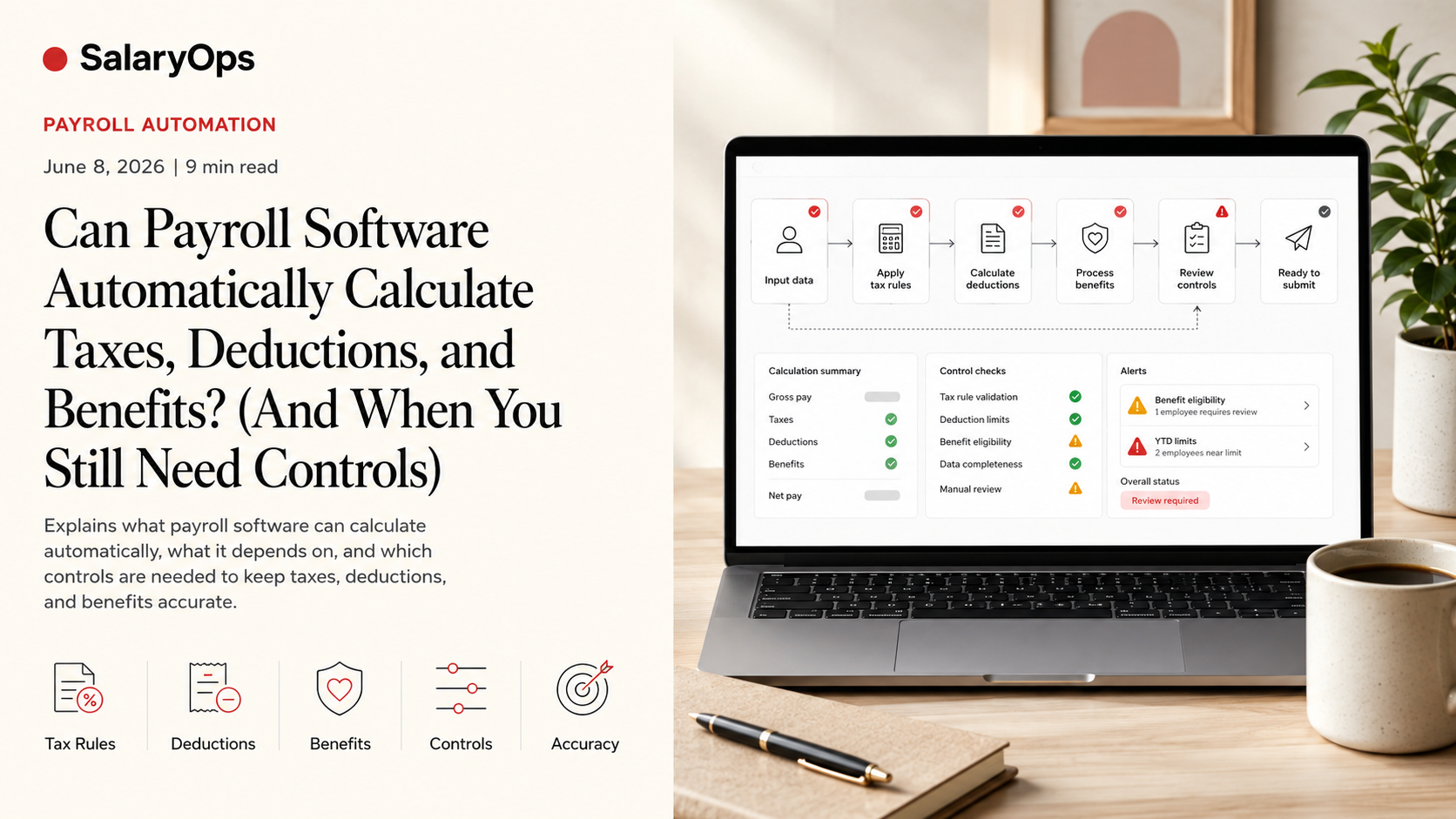
If you’ve ever had to “just fix it in Excel” five minutes before payroll closes, you already know the real question isn’t whether payroll software can calculate taxes and deductions.
The real question is: can you trust the calculations enough to stop building spreadsheet workarounds?
In most modern payroll systems, the answer is yes—routine calculations can be automated reliably. But only if the setup is correct, the underlying data is coherent, and you have a few practical controls in place. Automation without control simply moves errors around faster.
Below is a clear, operations-first view of what payroll software can calculate automatically, what it depends on, and how to gain confidence that “routine” stays routine.
What “automatic calculation” usually means in payroll
When vendors say “automatic,” they usually mean the system can calculate amounts consistently every pay run based on:
- Current tax rules and tax tables (kept updated by the provider, especially in cloud payroll)
- Employee-level tax settings and forms
- Pay elements (earning codes), rates, and frequency
- Benefit plan rules (eligibility, employer/employee share, pre-tax vs post-tax)
- Deduction rules (fixed amount, percentage, caps, arrears, priority)
- Statutory limits and thresholds
In the US, for example, federal income tax withholding is based on IRS methods documented in Publication 15-T, and overall employer payroll tax guidance sits in Publication 15. Many payroll platforms effectively “implement” these methods so the user doesn’t have to do the math manually.
The important operational point: the software can do the calculations, but it can only calculate what it has been told—correctly.
Taxes: yes, the routine calculations are exactly what software is good at
Federal withholding (US example)
Modern payroll systems can automatically calculate federal withholding by applying the current IRS rules (Publication 15 and 15-T). Once the employee’s withholding information is in place and earnings are correctly classified, the calculation is repeatable and consistent.
What typically becomes “spreadsheet work” is not the withholding formula—it’s the input quality:
- Missing or outdated employee withholding details
- Incorrect pay frequency setup
- Earnings mapped to the wrong taxable basis
- Off-cycle payments treated inconsistently
Social taxes / FICA equivalents
Statutory payroll taxes are the definition of a rule-based calculation: a rate, a base, a threshold, and sometimes a cap. This is precisely what payroll engines are built to do, and good systems handle these automatically per pay run.
State and local tax calculations (where automation matters most)
Multi-jurisdiction tax is one of the strongest arguments for payroll automation, because state and local rules change frequently and can become operationally messy.
Industry commentary has highlighted local tax complexity and frequent change as a key driver for automation—because manual tracking of local tax updates is both time-consuming and risky.
Practical takeaway: if you have employees working across multiple locations, you want a system that can calculate and update state/local rules without you maintaining a “local tax matrix” in a spreadsheet.
Deductions: automatic, but only as clean as your earning and deduction setup
Payroll deductions often look simple (“take $50 per paycheck”), until they aren’t.
A payroll system can typically calculate common deduction types automatically, including:
- Fixed amount deductions (e.g., union fees)
- Percentage deductions (e.g., garnishment rules, where allowed and configured)
- Deductions with caps (stop at a limit)
- Deductions with arrears (catch up when there wasn’t enough net pay)
- Priority rules (which deductions must be taken first)
Pre-tax vs post-tax (this is where workarounds are born)
Many spreadsheet workarounds are really “taxability classification” workarounds.
If a deduction is configured with the wrong tax treatment, your payroll engine may calculate perfectly—and still be wrong.
Examples of where configuration matters:
- Retirement contributions (pre-tax vs after-tax options)
- Health benefits (tax treatment can differ by country, plan type, and local regulation)
- Employer-paid benefits that are taxable benefits-in-kind
Good payroll software supports these rules, but you need discipline around:
- Clear earning codes and deduction codes
- Documented taxable bases per code
- Consistent mapping across HR, time, payroll, and finance
Benefits: yes—most payroll engines calculate contributions and split costs automatically
For benefits, payroll software can usually calculate both employee and employer contributions based on plan rules, such as:
- Eligibility (start date, waiting periods)
- Contribution type (fixed, percent of salary, tier-based)
- Employer match rules (e.g., up to X%)
- Maximums (annual limits, per-pay limits)
In practice, benefits automation becomes trustworthy when you can answer two operational questions:
- Where does the benefit enrollment data come from, and can you validate it?
- Are the payroll deductions aligned to the benefit provider’s invoicing and eligibility logic?
A system can calculate perfectly and still create reconciliation pain if enrollments are late, changes are backdated, or the payroll deduction schedule doesn’t match the benefit billing cycle.
Why spreadsheets keep coming back (and how to stop needing them)
When a payroll team relies on spreadsheets, it’s rarely because payroll engines can’t calculate.
It’s usually because something in the process is not under control.
The most common root causes look like this:
1) The system doesn’t know what you mean
If “bonus,” “commission,” and “allowance” are used inconsistently across teams, the system can’t apply taxability and deductions consistently.
Fix: a clean pay element structure (earning codes) with clear taxable basis rules.
2) HR/time/finance data doesn’t reconcile with payroll
If a time system exports hours that don’t align with payroll pay codes, you end up doing “translation” in Excel.
Fix: mapping and validation at the integration layer. Integrations must create coherence—not just move data.
3) You don’t have repeatable controls
If validation depends on one person’s memory (“I always check that column…”), you’ll keep compensating with manual work.
Fix: simple, repeatable pre-payroll and post-payroll checks.
A practical confidence checklist (to avoid spreadsheet workarounds)
If your audience wants confidence in routine calculations, this is what to verify—system by system.
Tax calculation confidence
- Tax tables and statutory rules are updated automatically by the provider (and you know when updates are applied)
- Employee tax setup is complete and validated (new hires and changes)
- Earning codes are mapped correctly to taxable bases
- Off-cycle payroll runs follow the same rules as regular payroll
Deduction confidence
- Each deduction has documented rules: amount/percent, caps, arrears, priority
- Pre-tax/post-tax treatment is explicit and reviewed
- There’s a process for life events and retroactive changes (so the system doesn’t “surprise” you)
Benefits confidence
- Enrollment eligibility and effective dates are consistent between HR/benefits and payroll
- Employer/employee cost splits are tested on real scenarios (part-time, leave, salary changes)
- Payroll deductions reconcile to benefit invoices without recurring manual adjustments
What payroll software typically won’t do “automatically” (and shouldn’t)
A trustworthy payroll process also needs clarity on what should not be fully automated:
- One-off, non-standard deals without documented rules (they will become repeat errors)
- Retroactive corrections without a controlled process (they need review)
- Complex cross-border scenarios without local expertise and proper configuration
- Data quality issues upstream (garbage in, garbage out—just faster)
If a vendor promises “fully automated payroll” in every scenario, that’s marketing. Real payroll operations need automation and control.
Conclusion
Payroll software can absolutely calculate taxes, deductions, and benefits automatically—and for routine payroll, that’s exactly where software should remove manual math and reduce spreadsheet dependency. The part that determines whether you can trust those calculations isn’t the formula; it’s the operational setup: clean pay codes, correct taxability and deduction rules, coherent integrations, and a few repeatable controls that catch issues before payroll closes.
When those foundations are in place, “routine calculations” stop being a recurring spreadsheet project and start being a predictable, testable part of the payroll run.
Structure your payroll process in 8 days.
A free 8-day email series for payroll specialists, managers and HR/finance teams. Practical examples on structure, controls and automation — no technical experience required.
- · one short email per day for 8 days
- · payroll workflow examples
- · control principles
- · n8n as part of the setup
- · free — unsubscribe anytime