
How Do I Know Payroll Is Correct Before I Submit It?
This article outlines a practical pre-submission routine for payroll, focusing on four key areas: pre-payroll checks for data, reviewing exception reports, obtaining proper approvals, and conducting variance analyses. Learn powerful controls to ensure accuracy
Payroll is one of the few operational processes where “pretty sure” is not good enough. If you find an error after submission, you do not just fix a number; you fix trust, downstream accounting, tax filings, and often a lot of manual cleanup.
What most payroll teams actually want is not a vague feeling of confidence. They want a repeatable way to prove (to themselves, Finance, auditors, and sometimes angry employees) that this pay run is controlled.
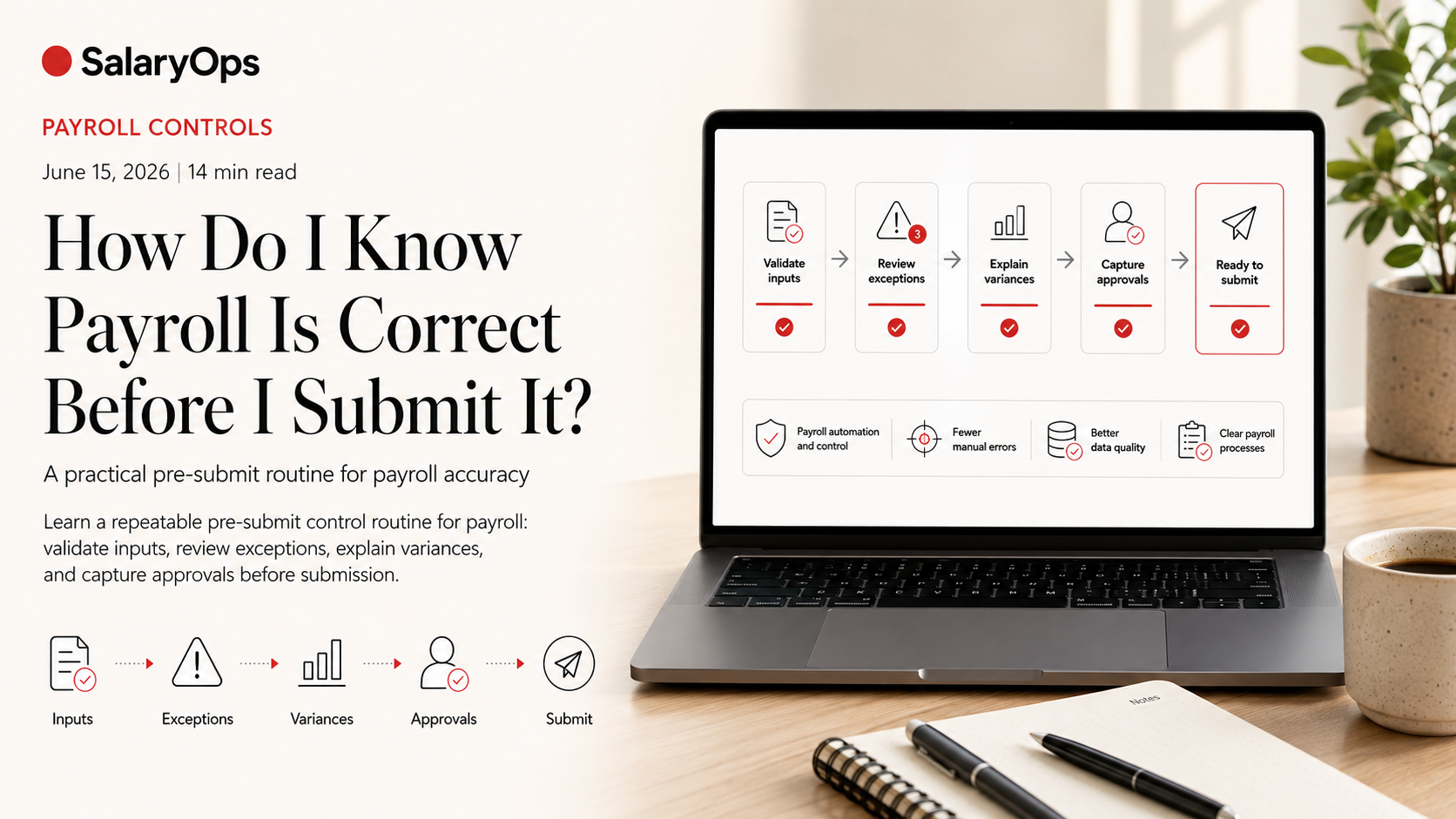
This article lays out a practical pre-submit routine built around four things payroll professionals keep coming back to:
- Pre-payroll checks (data and inputs)
- Exception reports (what the system is warning you about)
- Approvals (maker-checker, not “thumbs up in Teams”)
- Variance review (what changed and why)
Along the way, it’s worth remembering why this matters. In Alight’s 2024 payroll research, 53% of companies reported payroll penalties for non-compliance in the prior five years, and many still rely heavily on spreadsheets and manual processes. That combination is basically an error magnet.
The Real Question: “What Would I Be Embarrassed to Miss?”
A useful mindset shift: you are not trying to review everything. You are trying to catch the things that are both likely and costly.
Most payroll mistakes come from inputs and changes: a wrong rate, an unapproved one-time payment, time that wasn’t approved, a benefits deduction that didn’t start/stop when it should, or a terminated employee still being paid.
So the best pre-submit approach is a control stack:
- Validate the inputs (before calculation)
- Review exceptions (during/after calculation)
- Compare results to expectations (variance review) 4. Capture approvals and rationale (audit trail)
Step 1 - Lock Down Inputs Before You Calculate
If payroll is wrong, the root cause is often “bad data went in.” This is why ADP’s 2024 payroll survey keeps circling back to data integrity and integration quality as a foundation for payroll reliability.
Your “Pre-Payroll Lock” Checklist
Run these checks before you calculate payroll or before you produce the first preview register.
- People changes (HR master data)
- New hires: start date, pay group, pay frequency, tax setup, bank details (if you pay by transfer), eligibility for benefits.
- Terminations: final day worked, final pay components, benefit end dates, payout rules for PTO, and whether the employee should be paid this cycle at all.
- Leave of absence: what should happen to pay, benefits, and accruals.
- Pay changes (compensation)
- Rate changes: effective date, correct currency, correct employee group, and whether retro rules apply.
- Allowances and recurring earnings: start/stop dates, eligibility criteria.
- Time and attendance inputs
- Missing timesheets or unapproved time.
- Overtime and premiums: sanity-check the “big hours” list (people with unusually high overtime, shift premium, on-call, etc.).
- Paid absence and accrual usage: negative balances, unusual spikes, or payouts.
- One-time items
- Bonuses, commissions, expenses, corrections: confirm they exist for the right people, with the right amounts, and with documented approval.
The Control That Saves You Most Often: Maker-Checker on High-Risk Changes
If one person can create a pay-impacting change and also be the only person who notices it, that is not a control. That is hope.
A practical maker-checker model:
- Maker: enters or imports the change (rate change, bonus, new deduction, garnishment)
- Checker: validates against supporting documentation before the pay run is submitted
- Approver: signs off when it crosses a threshold (for example: any one-time payment above X, any retro adjustment, any pay rate change)
You can implement this with workflow tools, ticketing, or even a controlled spreadsheet, but the principle matters more than the tool.
Step 2 - Read the Exception Reports Like a Payroll Person, Not Like a System User
Exception reports are where your payroll system tells you, in plain operational terms: “Something is off.”
The problem is that teams often run exceptions and treat them as background noise because there’s always something.
Do the opposite. Exceptions are not an archive; they are a work queue.
What to Look For in Exceptions
Different systems label these differently, but the same categories show up:
- Invalid or inactive earnings/deduction codes
- Missing mandatory data (for example, tax setup, bank account, pay group)
- Amounts outside allowed limits (maximums, minimums, frequency mismatches)
- Date issues (effective dates outside the pay period)
- Accrual or carry-over exceptions
Sage’s Payroll Processing Exceptions Report documentation (2026) describes these as the items that can cause incorrect processing or posting and explicitly recommends printing/reviewing exceptions right after processing so issues can be corrected before finalization.
A Simple Rule for Exceptions
Classify each exception into one of three outcomes:
- Fix now (will cause wrong pay or failed payment)
- Accept with rationale (known and correct, but looks “odd”)
- Fix later with a ticket (not pay-impacting this cycle, but needs cleanup)
If your team cannot explain why an exception is acceptable, it is not acceptable.
Step 3 - Variance Review: Your Fastest Way to Catch “It Looks Fine, But It Isn’t”
Variance review is the closest thing payroll has to a last-minute “manual sweep” that actually works. Many payroll practitioners describe doing a quick sanity scan right before cutoff because it catches the weird stuff.
The trick is to make it structured, not heroic.
Variance Review at Two Levels
- Employee-level variances
Look for:- Net pay swing beyond a threshold (for example +/- 15% or +/- 500)
- New or stopped deductions
- Sudden changes in taxable wages
- Unexpected retro amounts
- Total-level variances
Compare this run to last run (and optionally to budget):- Total gross pay
- Total net pay
- Total overtime
- Total employer taxes / social contributions
- Total benefits deductions (employee) and benefits costs (employer)
The “Explain Every Big Number” Discipline
A variance review is only useful if every large variance has a documented explanation.
Examples that count as explanations:
- “New hire started mid-month in Sales; base pay + commission this run.”
- “Rate change effective 1st; retro calculated for prior period.”
- “Shift premium increased due to project; approved by operations manager on date.”
Examples that do not count:
- “Seems right.”
- “Probably overtime.”
- “HR said it changed.”
Thresholds: Stop Arguing, Start Standardizing
Pick thresholds that fit your payroll population and run type. For many teams, a workable starting point is:
- Any net pay change above +/- 15% compared to last period
- Any one-time payment above a set currency threshold
- Any employee with negative net pay
- Any employee with zero net pay who is active
- Any employee paid in the current period who is terminated (unless specifically expected)
You can tune this over time based on what you actually find.
Step 4 - Approvals That Actually Reduce Risk (Not Approvals That Just Exist)
Approvals are often treated as a formality at the end of the run. In reality, approvals should be the point where you confirm:
- The payroll register is reviewed
- Exceptions are resolved or accepted with rationale
- Variances are understood
- The payment file (or submission) matches the register totals
A Practical Approval Flow
Approval 1: Inputs approval (before calculation)
- Time is approved
- One-time payments are approved
- High-risk master data changes are reviewed
Approval 2: Payroll preview approval (after first calculation)
- Exceptions are cleared or documented
- Variances are reviewed and explained
- A short list of outliers is checked (negative net, large net swings, terminated-but-paid, etc.)
Approval 3: Final submission approval (before bank/tax transmission)
- Final register totals match the payment file totals
- Any last-minute adjustments have a ticket, evidence, and second set of eyes
- Submission deadline and cutoffs are confirmed
The Audit Trail You Want, Even If You Never Get Audited
Store, per pay run:
- A copy of the final payroll register (or summary)
- The exception report output and resolution notes
- The variance review summary (what moved, why, who approved)
- A list of manual adjustments made after preview, with rationale
If your payroll process depends on memory, it will eventually fail when the wrong person is on holiday.
The Quick “Cutoff Sweep” That Doesn’t Rely on Panic
If you only have 30 minutes before cutoff, do this in order:
- Run the exception report and clear anything pay-impacting.
- Review the outlier list: negative net, zero net for active employees, unusually high net changes.
- Check totals vs last run: gross, net, taxes, benefits, overtime.
- Confirm that the payment file total equals the register net total.
- Capture who approved and why the run is considered correct.
This is not glamorous. It is control.
Common “Looks Correct” Traps (And the Control That Stops Them)
- Wrong effective dates
- Trap: rate change entered, but effective date is one day off; retro goes missing or duplicates.
- Control: variance review + change log review for all rate changes this cycle.
- Silent deduction failures
- Trap: a deduction stops because eligibility or an enrollment field changed upstream.
- Control: deduction variance report (new/stopped deductions) reviewed every cycle.
- Terminated employee paid by accident
- Trap: HR termination not synced; employee remains active in payroll.
- Control: “Paid but terminated” report every run, plus pre-payroll reconciliation between HR and payroll headcount.
- Time import mismatches
- Trap: time file imported with wrong earning codes or wrong mapping.
- Control: top earners/top hours report + exception review + reconciliation of imported totals to time system totals.
Conclusion: Correct Payroll Is Not a Feeling; It’s Evidence
Knowing payroll is correct before you submit it comes down to whether you have evidence in four places: inputs are controlled, exceptions are handled, variances are explained, and approvals are real.
Most teams already do parts of this in a last-minute sweep. The practical upgrade is to turn that sweep into a repeatable control routine that catches the same error once, then prevents it from returning next month.
Structure your payroll process in 8 days.
A free 8-day email series for payroll specialists, managers and HR/finance teams. Practical examples on structure, controls and automation — no technical experience required.
- · one short email per day for 8 days
- · payroll workflow examples
- · control principles
- · n8n as part of the setup
- · free — unsubscribe anytime